
Dataset-aware image generation grounded in your assets
Generate contextual visuals with row-level references, attached assets, and clear aspect guidance—run at scale with approvals before anything ships.
What's inside
Dataset-aware prompts
Use row-level image links and attributes to generate contextual visuals without manual prompt rewrites.
Grounded by assets
Attach file references (logos, PDFs, reference images) to reduce hallucinations and keep style consistent.
Governed at scale
Run background batches, review in audit, and only publish approved visuals to exports and automation.
Control prompts, references, and aspect ratios
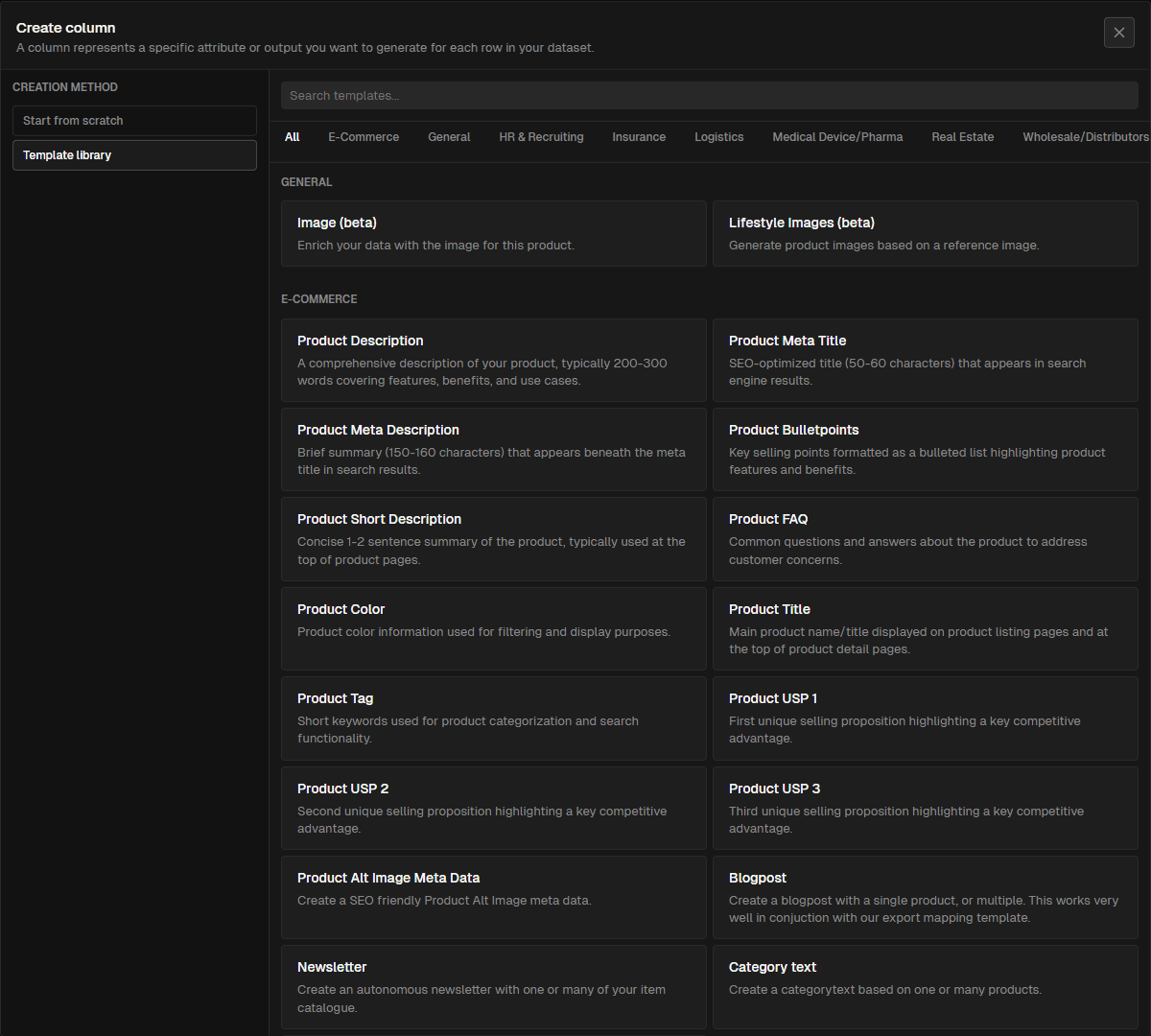
Preview image generation settings with row-level references and guidance on aspect ratios before you scale.
From references to approved visuals
Select context
Row-level references and attributes
Pick the columns and image links that ground prompts so every render reflects the right product or item.
Attach assets
File references and parameters
Add logos, PDFs, or reference images plus static parameters for style cues to keep outputs on-brand.
Set aspect and style
Layouts and ratios per channel
Define aspect ratios and stylistic hints so results match PDPs, ads, or social placements.
Run, review, ship
Background processing with audit
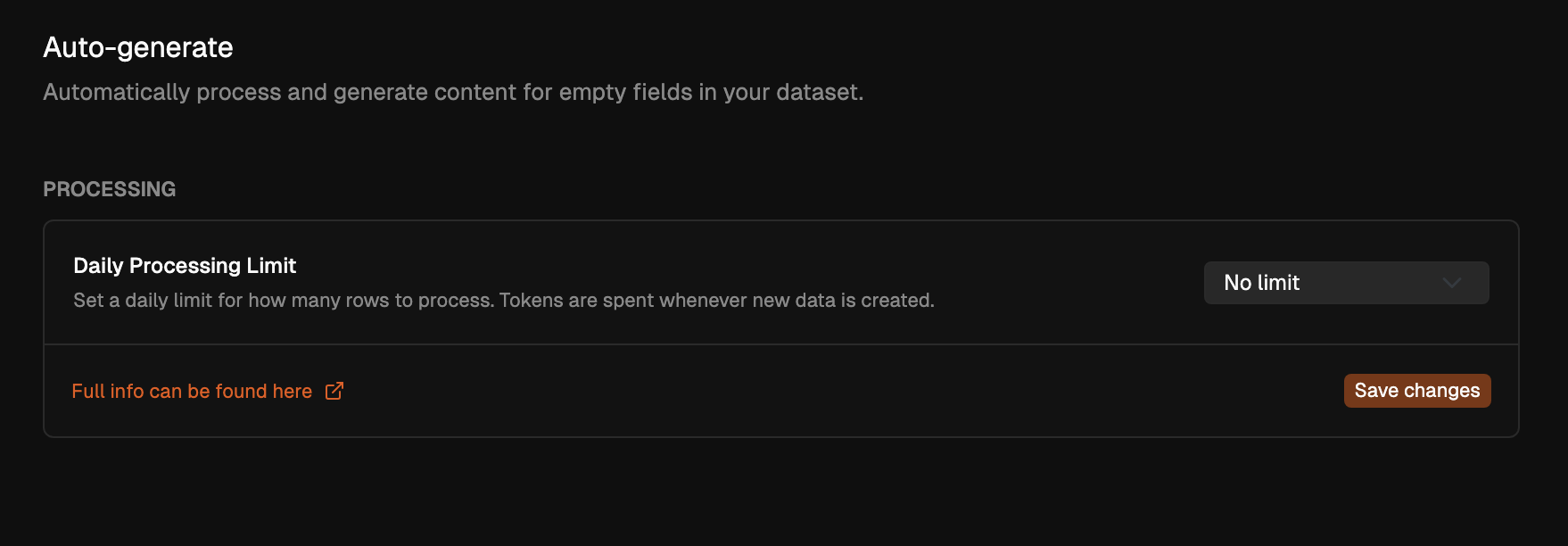
Process rows at scale, review in audit, and send only approved visuals to exports and automation.
Use row-level references to keep images accurate
Ground every prompt with the right columns and image links so outputs match the item, variant, or locale you’re targeting.
Row-level grounding
Pull attributes (e.g., product type, color, locale) into prompts so renders stay contextual.
Per-run model choice
Pick models per batch to balance speed and fidelity for lifestyle vs reference renders.
Lean prompts
Expose only needed columns to reduce noise and keep outputs consistent.
Related pages
Ground prompts with files and reusable parameters
Attach logos, PDFs, or reference shots and set static parameters for brand tone, style, and safety—reduce hallucinations and keep outputs aligned.
File references
Use uploaded assets as anchors for style, compliance, and visual cues.
Static parameters
Store reusable brand terms and styling notes once; inject them across prompts.
Safer outputs
Keep sensitive fields out of prompts and pair with approvals before publishing.
Related pages

Review visuals before they reach channels
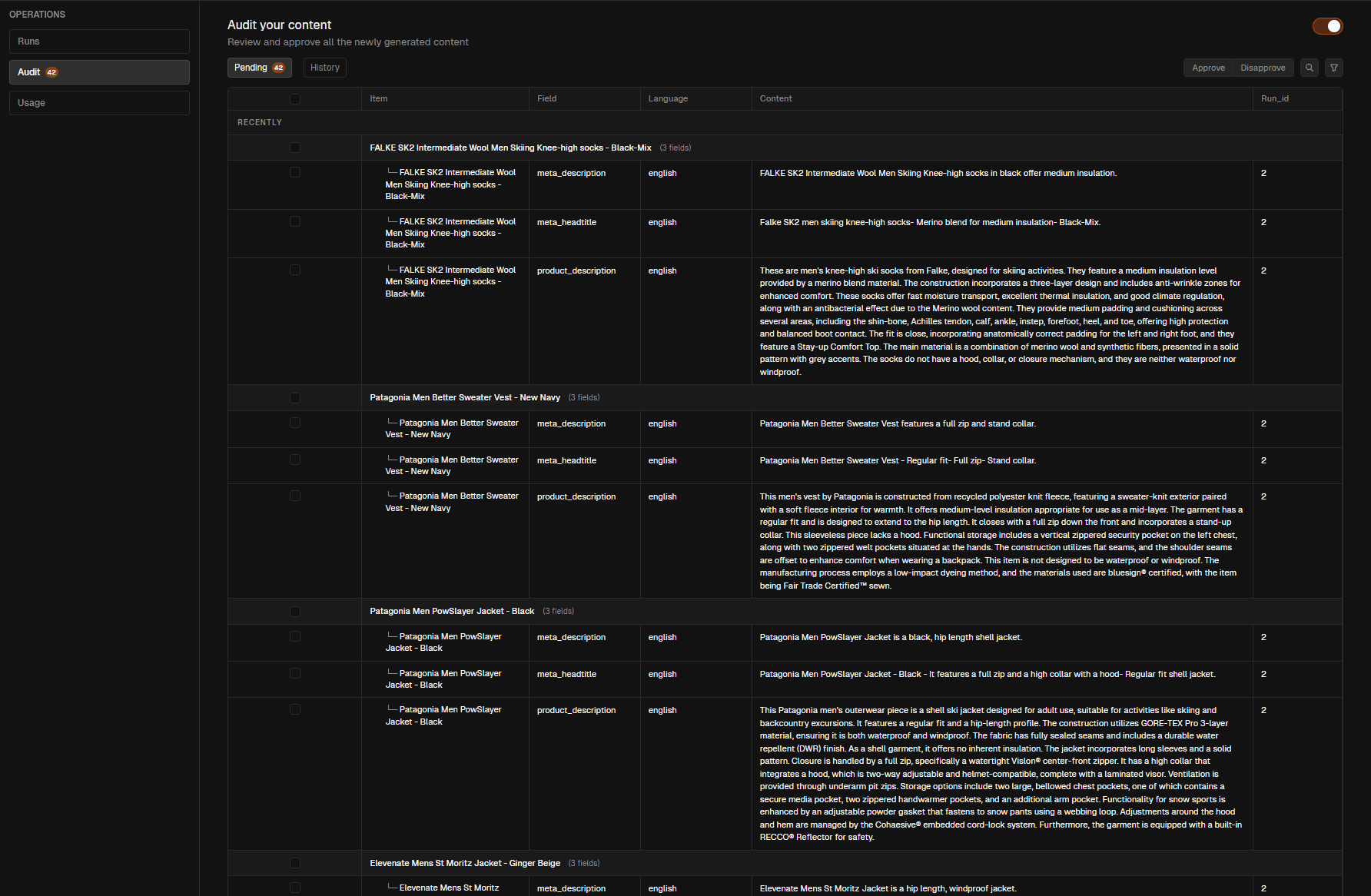
Run in the background, then audit outputs. Only approved visuals move to exports, APIs, and automation schedules.
Background runs
Process rows, pages, or full datasets while teams keep working.
Audit-first
Use pending queues to approve or disapprove renders; capture history for traceability.
Export-safe
Guard exports and automation with approvals so channels only receive vetted visuals.
Related pages
Image generation patterns you can reuse
Apply patterns for lifestyle renders, reference shots, multi-aspect packs, and localized variants with shared guardrails.
Contextual lifestyle renders
Use attributes and reference shots to generate lifestyle imagery that matches category and tone.
Row-level attributes in prompts
Static parameters for style
Audit before export
Use attributes and reference shots to generate lifestyle imagery that matches category and tone.
Row-level attributes in prompts
Static parameters for style
Audit before export
Dataset-aware
Use row-level references so renders match each item.
Grounded assets
File refs and parameters keep style, tone, and compliance aligned.
Chaining & reuse
Feed outputs into packs and reuse prompts across channels.
Aspect guidance
Set aspect ratios and styling cues for PDP, ads, and social.
Audit-first
Approve renders before exports and automation.
Background runs
Process rows/pages/datasets while teams keep working.