
Keep imports, generations, and exports on schedule
Automate dataset freshness, regeneration, and safe publishing with approvals and spend controls baked in.
What's inside
Scheduled freshness
Sync imports and regenerate exports on a cadence so downstream channels stay current.
Auto-generate safely
Fill empty fields with daily limits and approval gates, keeping spend and quality in check.
Approval-aware exports
Only approved rows flow to feeds and APIs when safety toggles are on.
Hands-off freshness with clear controls
Pick cadences, set limits, and see exactly what will run—imports, generations, and exports stay aligned.
From cadence to compliant publishing
Set the schedule
Choose frequencies for imports, generations, and exports.
Pick None for manual control or set daily/weekly cadences. Everything stays tied to your selected dataset context.
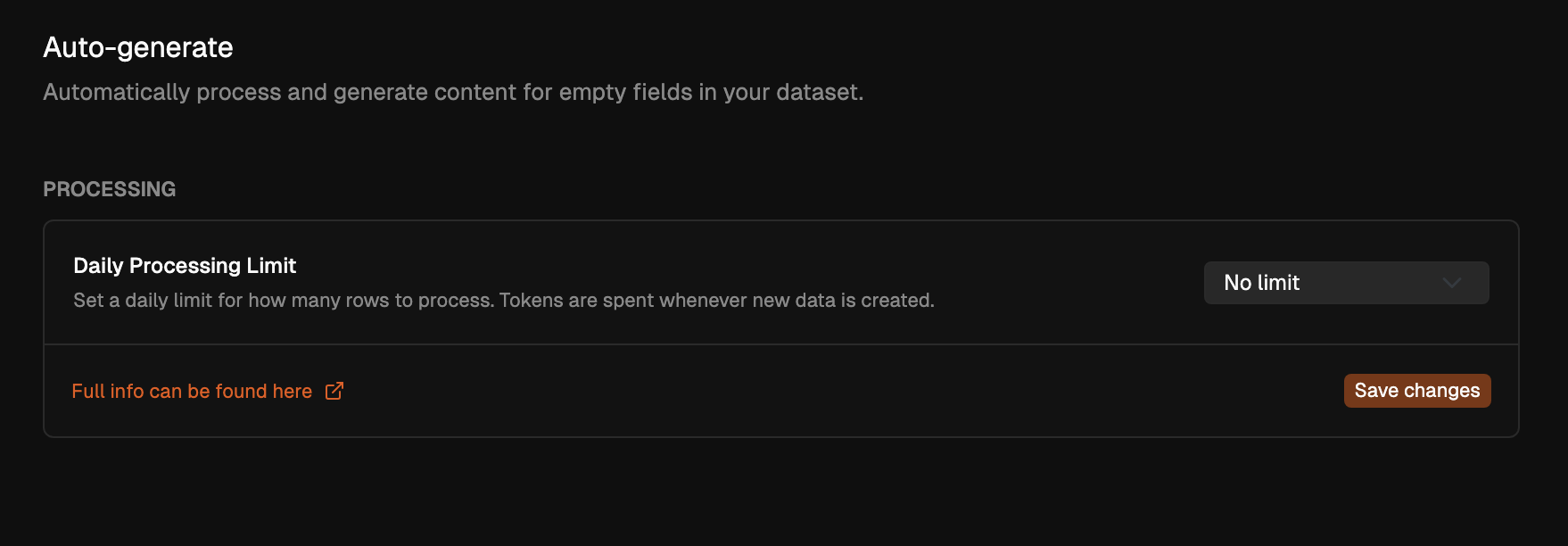
Auto-generate with limits
Fill empty fields at a capped daily rate.
Apply scopes and filters so only the right rows are processed, keeping spend predictable.
Approve, then ship
Gate exports with approvals.
Enable “only approved to exports” so automation respects audit decisions before feeds and APIs refresh.
Sync imports and exports without babysitting
Choose frequencies or keep things manual. Imports stay fresh, exports regenerate after updates, and you stay in control of when changes land downstream.
Import sync cadence
Pull the latest Sheets/CSV/XML/Excel on schedule so datasets stay current.
Export regeneration
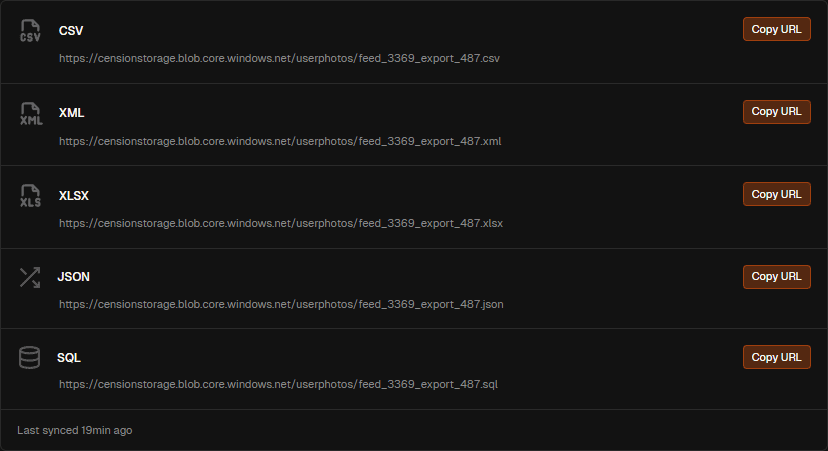
Refresh CSV/XML/XLSX/JSON/SQL feeds and REST endpoints automatically after updates.
Frequency on your terms
Select None, daily, or custom cadences per dataset to match how often you want freshness.
Related pages
Fill empty fields with predictable limits
Automate generation for the gaps only, set daily processing caps, and keep scope tight with filters and column selection.
Fill empty safely
Target empty cells only, keeping existing work intact while you complete the dataset.
Daily processing limits
Cap how many rows/columns run per day to control spend and pace.
Scoped by filters
Apply saved filters so only the right segments are auto-processed.
Related pages
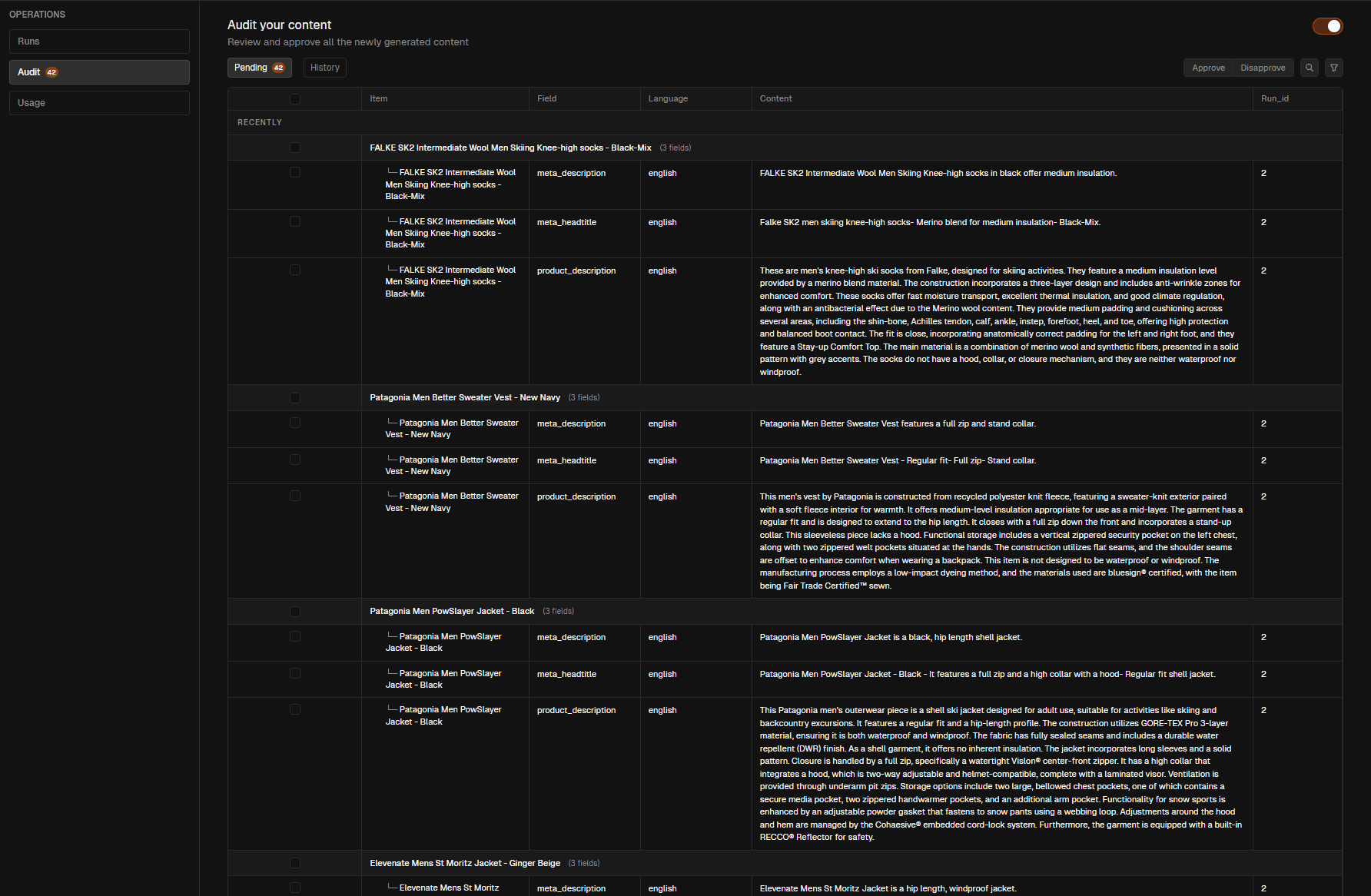
Approvals and filters keep outputs clean
Automation respects audit decisions and filter scopes so only reviewed content ships to feeds, APIs, and schedules.
Approval-aware exports
Toggle “only approved to exports” to prevent unreviewed rows from leaving the workspace.
Filter-driven targeting
Use filters to include or exclude rows before automation runs.
Aligned with audit
Audit history stays intact; automation never bypasses human review when safety is on.
Related pages
Pick the pattern that matches your pipeline
Preset rhythms for continuous catalogs, launch bursts, QA-first flows, and regional refreshes so you stay predictable.
Always fresh
Daily import sync, auto-generate missing meta, and nightly export regeneration to marketplaces.
Keep feeds aligned with source files
Fill only empty fields to avoid overwriting
Regenerate exports after each sync
Daily import sync, auto-generate missing meta, and nightly export regeneration to marketplaces.
Keep feeds aligned with source files
Fill only empty fields to avoid overwriting
Regenerate exports after each sync
Scheduled imports
Pull source feeds on cadence to keep datasets fresh.
Auto export regen
Regenerate feeds/APIs after updates without manual steps.
Auto-generate gaps
Fill empty fields with scopes and daily limits.
Approval-aware
Only approved rows flow to exports when safety is on.
Spend guardrails
Daily limits and plan context keep budgets predictable.
Status at a glance
See what ran, what’s queued, and what’s scheduled next.
Filter targeting
Use saved filters to scope exactly what runs.
Quick reruns
Restart or adjust cadences without rebuilding setup.